A tattoo is permanent. The appointment to get one shouldn’t be a mystery. Yet every week, artists lose hours and hundreds of dollars to clients who simply forget to show up. Sending well-timed reminder texts is the single cheapest way to protect your chair time, your income, and your sanity. But a bad reminder - one that’s too long, too early, or too vague - can feel spammy and push clients away. This guide breaks down the templates and best practices for tattoo appointment reminder texts that actually work: the right words, the right timing, and the right tools to keep your books full and your stress low. Whether you’re a solo artist or running a multi-chair shop, these are the messages that separate a packed schedule from a ghost town.
Why Automated Reminders are Essential for Modern Tattoo Shops
Running a tattoo shop means juggling art, admin, and client expectations all at once. The unsexy truth? Most of the money you lose isn’t from bad pricing. It’s from empty chairs. No-shows are a tax on your time that you never agreed to pay. And manual follow-ups - scrolling through DMs, copying and pasting messages, hoping you didn’t miss someone - eat into the hours you should spend tattooing.
Automated text reminders fix both problems. They run in the background while you prep stencils or pull needles. They don’t forget. They don’t get tired. And they don’t accidentally skip the Thursday client because you were busy inking someone else’s sleeve. The tattoo industry has been reinventing itself through digital tools, and automated SMS is one of the simplest upgrades you can make.
Reducing No-Shows and Protecting Your Revenue
A single no-show on a four-hour session can cost you $400 to $800 or more, depending on your rate. Multiply that by even two or three a month, and you’re looking at thousands in lost revenue per year. Cancellations and no-shows cost service businesses billions annually, and tattoo shops are no exception.
Deposits help, sure. But a deposit only recovers a fraction of the session value. The real goal is getting the client in the chair. A simple text reminder sent 48 hours before the appointment gives clients enough time to confirm, reschedule, or cancel - so you can fill that slot with someone from your waitlist. It’s not about punishing forgetful people. It’s about protecting the time you set aside for them.
And here’s the thing most artists don’t track: the cost of a no-show isn’t just the lost session fee. It’s the opportunity cost. That slot could have gone to a paying client. You already prepped the design. You already cleaned the station. The financial hit is real, recurring, and preventable.
Saving Time on Manual Follow-Ups and DMs
If you’re still sending individual DMs to remind clients about their appointments, you’re burning time you don’t have. Think about it: five clients booked this week means five separate messages, five threads to track, five chances to forget someone. And that’s a light week.
Automated reminders eliminate this entirely. You set the rules once - when to send, what to say - and the system handles the rest. No more checking your phone between sessions. No more late-night “hey just confirming tomorrow” messages from your personal account. Automated reminders for tattoo studios free up hours every week that you can spend on actual work.
The shift from manual to automated isn’t lazy. It’s professional. Your clients expect it. Every dentist, salon, and doctor’s office sends automated reminders. Your tattoo shop should too.
Best Practices for Effective Appointment Texts
Not all reminder texts are created equal. A poorly written message can confuse clients, get ignored, or even feel intrusive. The best appointment reminder texts for tattoo clients are short, clear, and useful. They tell people exactly what they need to know and nothing more.
Timing Your Messages: The 48-Hour and 24-Hour Rule
Send your first reminder 48 hours before the appointment. This gives clients enough runway to adjust plans, arrange rides, or let you know they can’t make it. A second reminder 24 hours before serves as the final nudge. This two-step approach significantly cuts no-show rates because it catches both the planners and the procrastinators.
Don’t send reminders a week out. That’s too early - people forget again. And don’t send one three hours before. That’s too late to fill the slot if they cancel. The 48-and-24 combo hits the sweet spot.
One more thing on timing: respect the clock. Nobody wants a text at 6 AM or 11 PM. Schedule your messages for mid-morning or early afternoon. Business hours, basically. Your clients will appreciate it, and you’ll get better response rates.
Keeping it Simple: Clear Language and Active Voice
Your reminder text is not a novel. It’s not a marketing email. It’s a quick, clear heads-up. Here’s what it needs to include:
- Client’s first name
- Date and time of the appointment
- Shop name and address (or a link to directions)
- Any prep instructions (shave area, eat beforehand, bring ID)
- A way to confirm or reschedule
That’s it. No emojis overload. No paragraph-long explanations. Use active voice: “Your appointment is Thursday at 2 PM” hits harder than “You have been scheduled for an appointment on Thursday.” Keep it under 160 characters if you can - that’s one SMS segment, which keeps costs down and readability up.
Write like you talk. “Hey Sarah, just a reminder about your tattoo session this Friday at 3 PM at Iron & Ink. Please eat a good meal beforehand. Reply YES to confirm.” That’s human. That’s clear. That works.
Must-Have SMS Templates for Every Client Stage
Different moments in the booking process call for different messages. A deposit reminder is not the same as a prep instructions text. Here are templates you can steal, tweak, and use today.
The Deposit Reminder: Securing Your Time
Deposits are the backbone of a healthy booking system. But clients sometimes drag their feet on paying them. A gentle nudge keeps things moving without being aggressive.
Template: “Hey [Name], your deposit of $[amount] for your [date] session is still pending. Pay here to lock in your spot: [link]. Deposits are non-refundable and hold your time slot. Questions? Just reply to this text.”
The key here is clarity about what happens if they don’t pay. Don’t be rude, but be direct. The deposit holds the slot. No deposit, no guarantee. Most clients just forgot or got busy - a quick text solves it. With Apprentice, deposit reminders go out automatically when a payment is overdue, so you never have to chase anyone down yourself.
The Unified Prep Link: Combining Consent and Session Details
One of the biggest friction points before a tattoo appointment is the paperwork. Consent forms, session details, prep instructions - clients often need three different links or emails. That’s messy.
A better approach is the unified prep link: one URL that handles consent, deposit confirmation, and session details in a single flow. Clients arrive ready. You don’t waste the first 20 minutes of a session on paperwork.
Template: “Hi [Name], your session with [Artist] is on [date] at [time]. Please complete your prep here before you arrive: [unified prep link]. This covers consent, session details, and any remaining balance. See you soon!”
Apprentice offers exactly this kind of unified prep link - consent and deposit combined into one client-facing page. Clients fill everything out on their phone before they walk in. It’s one less thing for you to manage and one less reason for a session to start late.
The Flash Selection Nudge: Speeding Up the Process
If you sell flash, you know the drill. Clients browse your page, say “I want something,” and then go silent for two weeks. A flash selection nudge gets them to commit so you can prep the piece and plan your day.
Template: “Hey [Name], you’re on our waitlist for a flash piece! Browse our latest designs here: [flash gallery link]. Pick your favorite and we’ll get you booked. Spots are filling up for [month].”
This text does two things. It moves the client from “interested” to “decided.” And it creates urgency without being pushy. Good reminder templates drive faster client decisions because they give people a clear next step instead of leaving the ball in their court indefinitely.
Using Apprentice to Automate Your Client Communication
Setting up automated texts doesn’t have to be complicated. The right tool makes it feel like you hired a front-desk person who never calls in sick.
Setting Up Conflict-Free Scheduling and Alerts
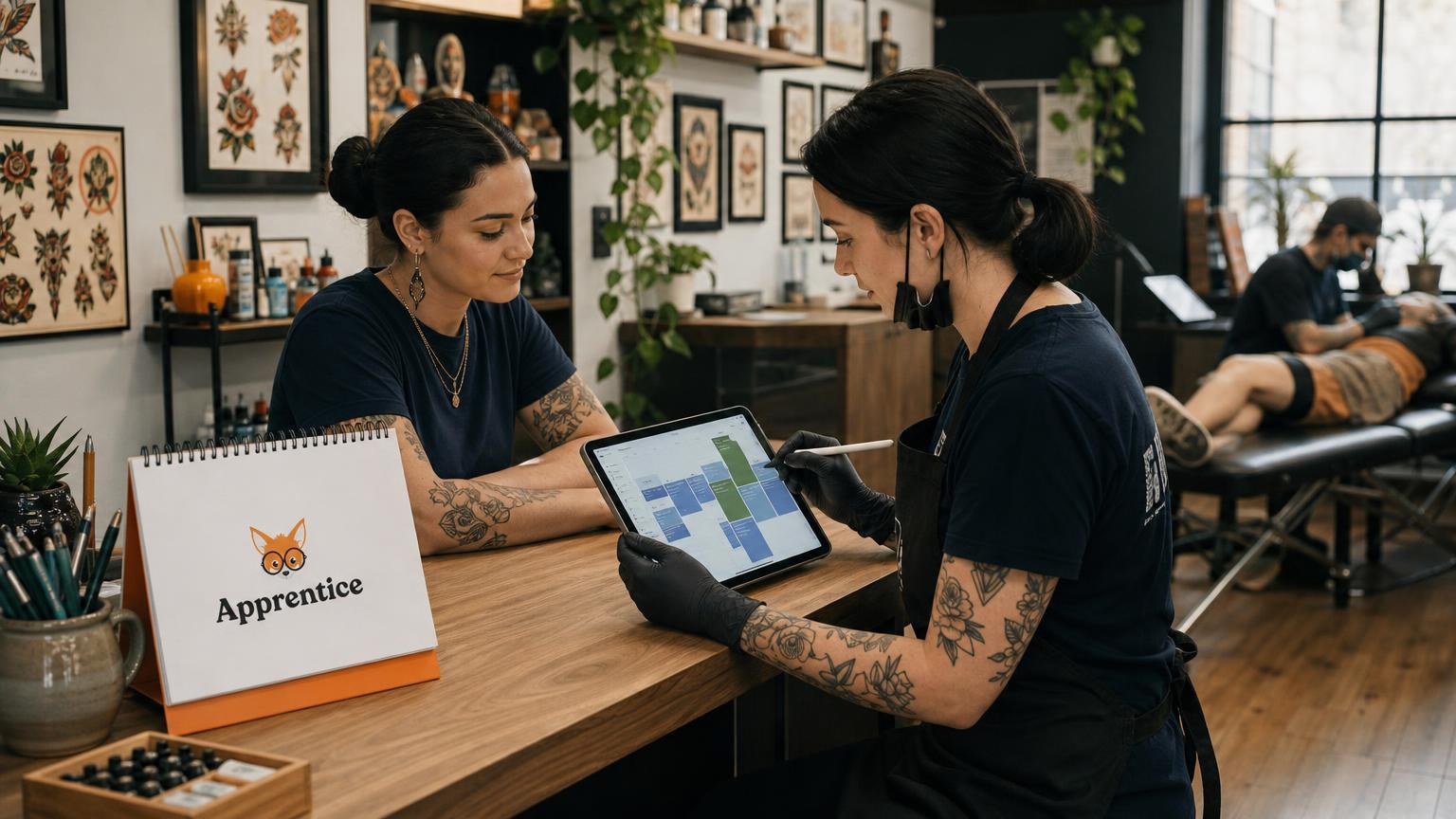
Double-bookings are embarrassing and expensive. When you pair automated reminders with conflict detection, you eliminate the two biggest scheduling headaches at once. Apprentice’s scheduling system blocks overlapping appointments automatically. It also manages your availability across multiple locations if you guest-spot or travel.
Here’s how to think about it: your calendar is the source of truth. Clients book within the rules you set - working hours, breaks, buffer time between sessions. The system sends reminders based on confirmed bookings only. No manual triggers needed. You set your availability, clients book, deposits get collected, and reminders fire at 48 and 24 hours. The whole chain runs without you touching it.
Booking links can even auto-expire, so you don’t get surprise appointments from a link you shared six months ago. That’s a small detail that prevents big headaches.
Linking Aftercare Instructions for Better Healing
The client relationship doesn’t end when you put down the machine. Aftercare is where your work either heals beautifully or turns into a blotchy mess that ends up on Reddit. Sending aftercare instructions via text right after the session is one of the smartest moves you can make.
Template: “Thanks for sitting like a champ today, [Name]! Here are your aftercare instructions: [link]. Follow these closely for the best heal. Reach out if anything looks off during the first two weeks.”
Automating this means every single client gets the same high-quality aftercare info. No more scribbling instructions on a paper towel. No more hoping they remember what you said while they were still buzzing from the session. Apprentice sends aftercare automatically after each visit, which means better heals and fewer panicked “is this normal?” messages at midnight.
Moving from Waitlists to Booked Appointments via SMS
Your waitlist is a goldmine, but only if you actually work it. Most artists have a list of interested clients sitting in their DMs or in a spreadsheet somewhere. Those people already want your work. They just need a push to commit.
SMS is the fastest way to convert waitlist clients into booked appointments. The open rate on text messages hovers around 98%, compared to roughly 20% for email. When a slot opens up, a quick text to the right person can fill it within minutes.
Here’s a workflow that works: when a client cancels or a session ends early, send a text to the next person on your waitlist. Keep it simple. “Hey [Name], a slot just opened up on [date] at [time]. Want it? Reply YES to book. First come, first served.” That urgency is real, not manufactured. And it respects the client’s time by giving them a clear yes-or-no decision.
Turning waitlists into bookings through text is one of the highest-return habits you can build. It fills gaps in your schedule without you posting “FLASH SALE TOMORROW” on Instagram at 10 PM. It’s proactive instead of reactive.
A flash-aware waitlist takes this further. Clients pick the design they want while they’re waiting, so when you text them about an open slot, they’re already committed to a piece. No back-and-forth about what they want. No “let me think about it.” They chose the flash, you confirmed the slot, done.
The bottom line is this: every text you send is either protecting your income or growing it. Reminder texts reduce no-shows. Deposit nudges secure your time. Prep links get clients ready. Aftercare texts protect your work. And waitlist messages fill empty chairs. None of this is glamorous. But it’s the operational backbone that lets you focus on what you actually care about: making great tattoos.
If you’re tired of chasing clients through DMs and losing money to empty slots, give Apprentice a shot. You can get started with a free 14-day trial and start booking clients in about five minutes. Your art deserves a full schedule behind it.
FAQ
When should I send a tattoo appointment reminder text?
Send the first one 48 hours out and a second 24 hours out. The 48-hour text gives people time to arrange a ride or tell you they can’t make it, which leaves you room to fill the slot. The 24-hour text catches the procrastinators.
What should I actually put in a reminder text?
Five things: the client’s first name, the date and time, your shop name and address, any prep instructions, and a way to confirm or reschedule. Nothing else. Keep it under 160 characters so it stays one segment, and write it the way you’d say it out loud.
What time of day should reminder texts go out?
Mid-morning or early afternoon. Nobody wants a buzz at 6 AM or 11 PM, and a text sent at a rude hour gets ignored or resented. Stick to normal business hours and your response rates go up. Schedule them ahead so you’re not the one watching the clock.
How do I text a client about an unpaid deposit without sounding rude?
Be direct about the rule, not about the person. Tell them the deposit is still pending, give them a payment link, and explain that the deposit holds their slot. Most people just got busy and forgot. A short, matter-of-fact text solves it without any awkward back-and-forth.
How do I text my waitlist when a slot opens up?
Keep it to one clear yes-or-no question. Name the date and time, ask if they want it, and say first come, first served. Something like “A slot just opened Thursday at 2 PM. Want it? Reply YES to book.” That respects their time and fills your chair fast.

Jason Howie
Founder & CEO
Jason Howie is the founder of Apprentice, passionate about empowering tattoo artists and shops with better tools to manage their business and serve their clients.