The Evolution of Digital Consent in Tattoo Studios
Picture this: a client walks in for their appointment, and you're scrambling through a filing cabinet stuffed with yellowing papers. You can't find their consent form from six months ago. Meanwhile, they're getting impatient, and your next client just showed up early. Sound familiar?
That chaos is exactly why tattoo shops are ditching paper forms for digital consent systems. The shift isn't about being trendy. It's about survival. Running a professional studio means protecting yourself legally, respecting your clients' time, and keeping your sanity intact.
Digital consent forms have become essential tools for modern tattoo artists and shop owners. They eliminate paper clutter, reduce manual sorting, and create secure, cloud-based solutions for client data. Gone are the days of lost forms, illegible handwriting, and frantic searches before appointments.
But here's the thing: not all apps are created equal. Some are built specifically for tattoo studios. Others are general waiver tools that can be adapted. Choosing the right one depends on your shop's size, your workflow, and how much you're willing to spend. The good news? There are solid options at every price point, from free to premium.
This guide breaks down the best apps for tattoo release forms and digital consent. We'll cover what features actually matter, how to avoid compliance nightmares, and how to pick a system that won't make you want to throw your tablet across the room.
Benefits of Switching from Paper to Digital Forms
Let's be honest about paper forms. They get coffee-stained. They get misfiled. They get eaten by that mysterious void behind the front desk. And when you need them for legal purposes three years later? Good luck.
Digital forms solve these problems immediately. Your consent documents live in the cloud, searchable and organized. You can pull up any client's history in seconds. No more digging through boxes in the back room.
The efficiency gains are real. Clients can fill out forms on a tablet while they wait, or even before they arrive. This cuts down on appointment delays and gives you more time to actually tattoo. Some shops report saving 15-20 minutes per client just by eliminating paperwork bottlenecks.
There's also the professionalism factor. When a client signs on a sleek tablet instead of a crumpled paper form, it signals that you run a legitimate operation. That matters for building trust, especially with first-time clients who might be nervous.
And the environmental angle? Tattoo shops go through thousands of pages yearly. Digital consent is genuinely greener. It's a small thing, but it adds up.
Legal and Compliance Requirements for Tattoo Waivers
Here's where things get serious. Consent forms aren't just bureaucratic nonsense. They're your legal shield when something goes wrong. And in tattooing, things can go wrong. Allergic reactions, infections, clients who change their minds, disputes about design changes.
Your waiver needs to cover specific elements: acknowledgment of risks, health disclosures, age verification, and consent to the procedure. Different states have different requirements, so check your local regulations. Some jurisdictions require specific language about bloodborne pathogens or aftercare responsibilities.
Most attorneys recommend keeping consent forms for at least seven years, or indefinitely if a client has a complicated health history. Paper storage for that duration is a nightmare. Digital storage makes it trivial.
The key legal advantage of digital forms is the audit trail. Good apps capture timestamps, IP addresses, and electronic signatures that hold up in court. That's harder to dispute than a scribbled signature on paper that could have been forged or altered.
One more thing: HIPAA compliance matters if you're collecting health information. Not every app meets these standards. We'll cover this more later, but it's crucial to verify before you commit to a platform.
Top-Rated Tattoo Consent Form Software
The market for digital consent tools has exploded in recent years. Some apps are purpose-built for tattoo studios. Others are general waiver platforms that work across industries. Both categories have strong options worth considering.
Your choice depends on what else you need. If you just want digital waivers, a general tool might be perfect. But if you want consent forms integrated with booking, payments, and client management, a dedicated tattoo platform makes more sense.
Dedicated Tattoo Management Platforms
Purpose-built tattoo software understands your workflow. These platforms don't just handle consent forms. They connect waivers to appointments, client profiles, and aftercare delivery. Everything lives in one system.
Apprentice is a strong example of this approach. Its digital consent and intake tools offer unified prep links that combine consent and deposit collection in one flow. Clients arrive ready to go because they've already handled the paperwork. The platform stores forms and documents within unified client profiles, so you have full history at your fingertips. Mobile-friendly forms mean clients can complete prep from their phones, and automatic aftercare delivery sends instructions after visits without you lifting a finger.
TRF, or Tattoo Release Forms, is an iPad app that offers customizable, cloud-secured digital waivers with in-depth artist notes and client ID capture. It's designed specifically for the tattoo industry, so the templates make sense out of the box.
The advantage of dedicated platforms is integration. Your consent form connects to everything else: the appointment, the deposit, the client record, the aftercare instructions. That's powerful for shops that want a complete system rather than cobbling together separate tools.
General Digital Waiver and E-Signature Tools
Sometimes you don't need a full tattoo management system. Maybe you already have booking software you love. Maybe you're a solo artist who just needs simple consent forms. General waiver tools can fill that gap.
WaiverForever offers a free plan that includes unlimited waiver completions, a custom form builder, electronic signatures, and cloud storage. That's hard to beat for shops on a tight budget. You can create tattoo-specific templates and have clients sign on any device.
TSP Free Forms provides a free app focused solely on digital tattoo consent forms, offering customizable templates and a built-in health questionnaire. It's stripped down but effective for basic needs.
DocuSign and Adobe Sign are enterprise-level options that work for any industry. They're overkill for most tattoo shops, but if you need bulletproof legal compliance and have the budget, they deliver.
The tradeoff with general tools is that they don't know tattooing. You'll need to build your own templates (our free tattoo consent form and waiver templates are a solid starting point). These tools won't connect to tattoo-specific booking systems. But for straightforward consent collection, they work fine.
Essential Features to Look for in a Tattoo App
Not every feature matters equally. Some are nice-to-haves. Others are non-negotiable. Understanding the difference saves you from paying for bells and whistles you'll never use.
The core requirement is simple: can clients sign consent forms digitally, and can you retrieve those forms later? Everything else builds on that foundation, including how a good client intake form streamlines every appointment.
Photo Uploads and ID Verification
Age verification isn't optional in tattooing. You need proof that clients are of legal age, and you need that proof documented. Digital systems handle this better than paper ever could.
The best apps let clients upload photos of their government ID directly through the form. The image gets stored with the consent record, creating an unbreakable link between the waiver and the identity verification. If someone later claims they were underage, you have timestamped proof.
Features like photo ID uploads and PDF authentication enhance security beyond what paper forms can offer. Some platforms even include basic verification to flag potentially fake IDs.
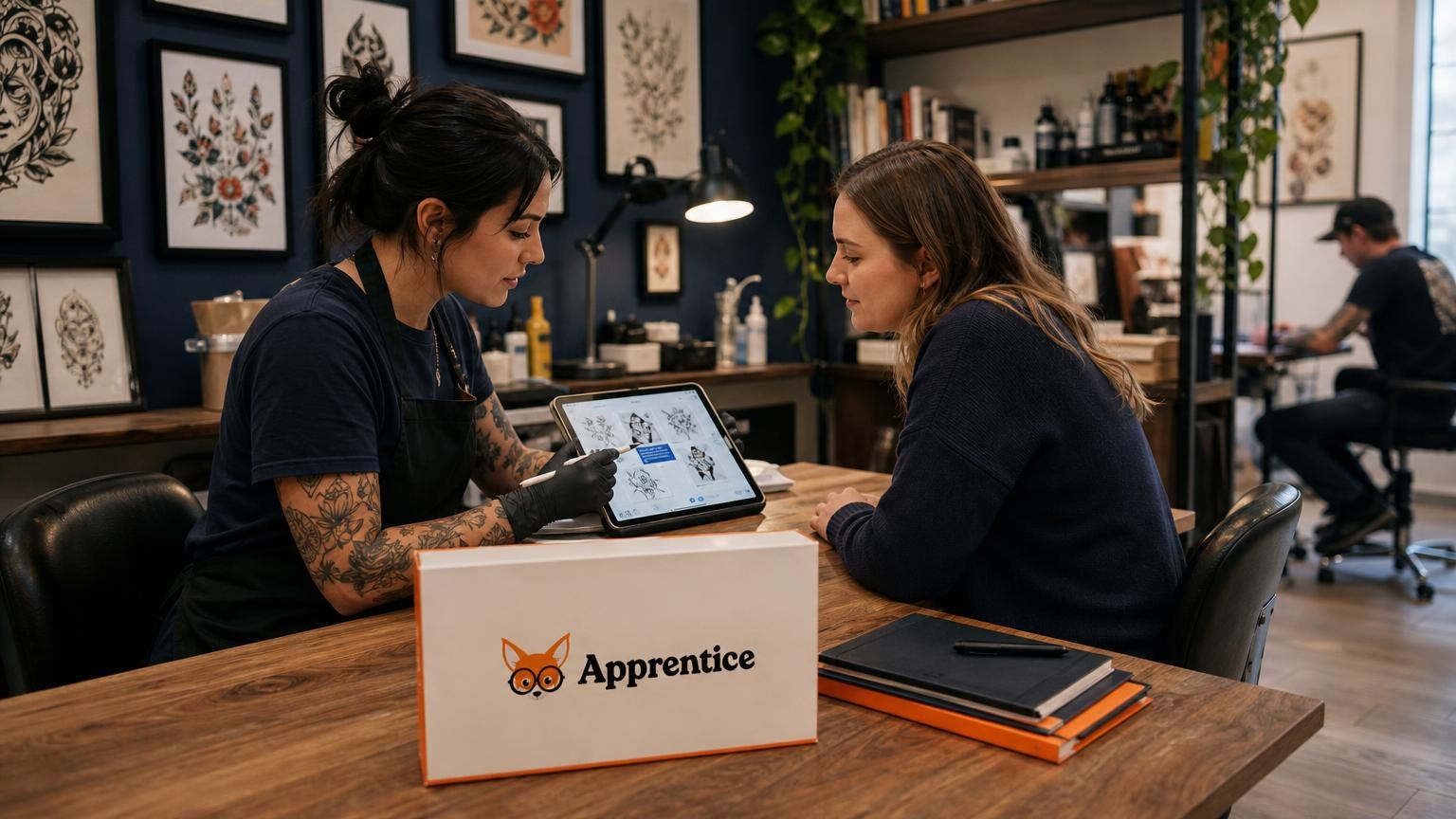
Photo uploads serve another purpose: reference images. Clients can attach inspiration photos, placement preferences, or existing tattoos they want matched. This eliminates the "I sent you that picture on Instagram six months ago" conversation.
Apprentice handles this through its project management system, where design references and client uploads live in a central hub per tattoo. Nothing gets lost in the shuffle of DMs and emails.
Automated Aftercare Instruction Delivery
Aftercare compliance affects healing outcomes. And when healing goes wrong, clients sometimes blame the artist. Clear, documented aftercare instructions protect everyone.
Manual aftercare delivery is unreliable. You're busy after a session. You might forget to hand over the printed sheet. The client might lose it before they get home. Digital delivery solves this completely.
Look for apps that automatically send aftercare instructions after appointments. The client gets the information on their phone, where they'll actually see it. You have a record proving you provided proper guidance.
Apprentice's automatic aftercare delivery triggers after visits without manual intervention. You set up your aftercare templates once, and the system handles distribution forever. That's one less thing to remember during busy days.
Some platforms let you customize aftercare based on tattoo type or placement. Color pieces might need different care than blackwork. Fresh ink on a hand heals differently than on a thigh. Conditional aftercare instructions show clients you know what you're doing.
Cloud Storage and HIPAA-Compliant Data Security
Where do your consent forms actually live? If the answer is "on a tablet that could get stolen" or "on a hard drive that could crash," you have a problem.
Cloud storage means your data exists on secure servers, backed up and accessible from anywhere. Your shop could burn down tomorrow, and your client records would survive. That's not paranoia. That's basic business continuity.
HIPAA compliance matters because consent forms often include health information. Allergies, medications, skin conditions, pregnancy status. This data requires protection under federal law. Not every app meets HIPAA standards, so verify before committing.
Look for encryption in transit and at rest. That means data is protected both when it's being transmitted and when it's stored. Two-factor authentication adds another security layer. Audit logs track who accessed what and when.
Apprentice stores forms and documents within client profiles using secure cloud infrastructure. The signature audit trail captures signature, IP address, and timestamp for legal protection. That's the level of documentation you need if a dispute ever reaches court.
Optimizing Your Workflow with Digital Intake
Digital consent is just the entry point. The real power comes from connecting forms to your broader workflow. When everything talks to everything else, you stop doing manual busywork.
Think about your current process. Client books appointment. You confirm. They show up. You hand them a clipboard. They fill out forms. You file the forms. You pull up their reference images. You discuss the design. That's a lot of steps, and several can be eliminated.
Integrating Forms with Booking and Calendar Systems
The best workflow sends consent forms automatically when someone books. By the time they arrive, paperwork is done. You start tattooing sooner.
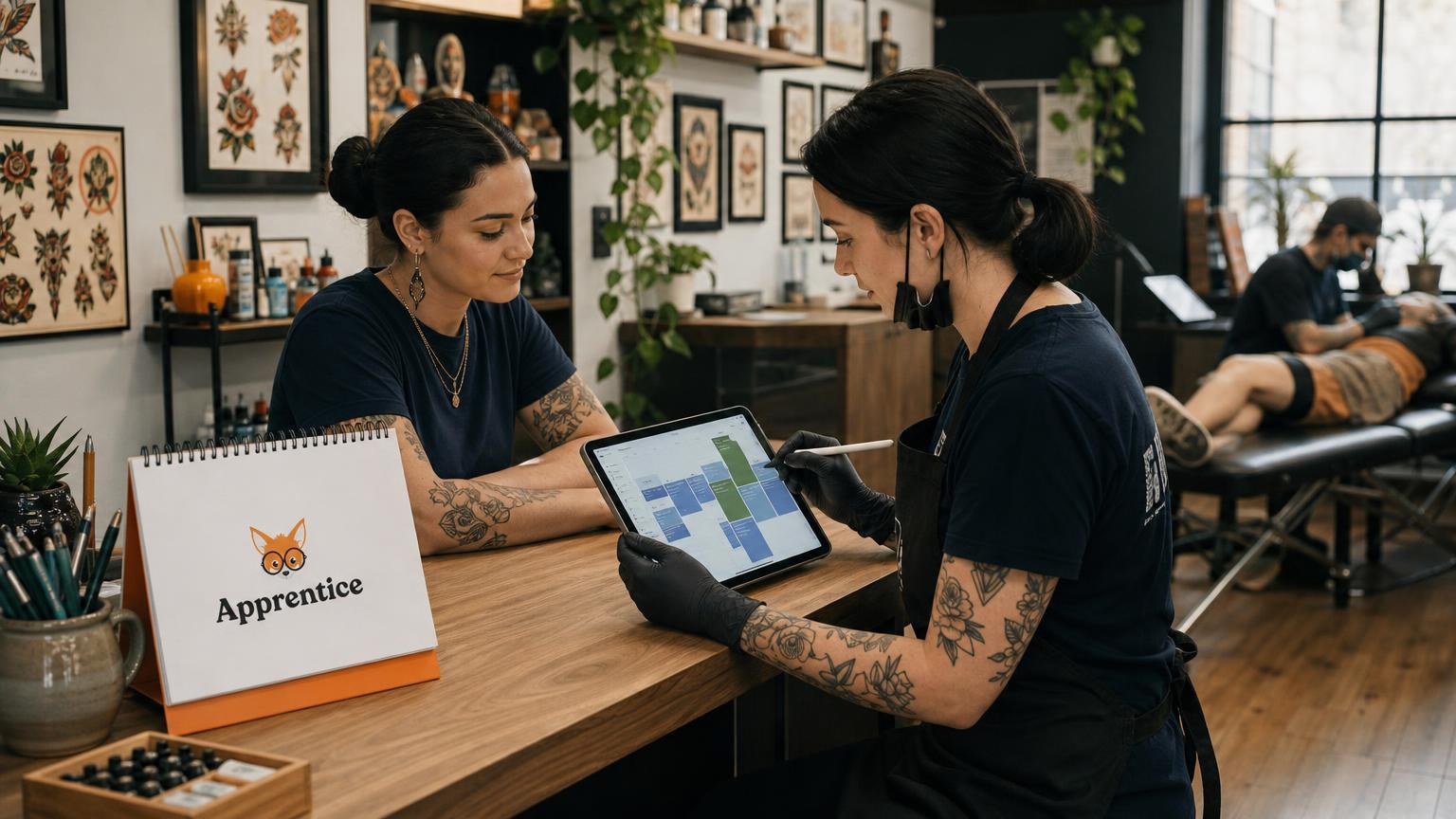
Look for platforms where booking and consent are native to the same system. Apprentice's unified prep link combines consent and deposit collection in one flow. Clients complete everything before their appointment. They arrive ready to sit in the chair.
Integration also means client data flows between systems. The health information from their consent form appears in their client profile. You don't re-enter anything. You don't ask them to repeat themselves.
Calendar-aware systems get even smarter. They can send reminder emails that include links to incomplete forms. If a client hasn't signed their consent 24 hours before their appointment, the system nudges them. That's one less phone call you make.
For shops with multiple artists, centralized systems prevent confusion. Everyone sees the same client records. If an artist is sick and someone else takes over, the replacement has full context. No scrambling to find information.
Mobile Compatibility for Tablet-Based Signatures
Your consent system needs to work on tablets. Period. Clients sign on tablets in your shop. You check records on your phone between appointments. Desktop-only solutions are dead on arrival.
But mobile compatibility isn't just "the website loads on a phone." It means the interface is designed for touch. Signature fields are big enough to sign with a finger. Forms scroll smoothly. Nothing requires zooming or squinting.
Test any platform on the actual devices you'll use. Some apps look great in demos but frustrate real users. Have someone unfamiliar with the system try to complete a form. If they struggle, your clients will too.
Offline functionality matters for shops with unreliable internet. Can clients sign forms when WiFi drops? Does the data sync when connectivity returns? These edge cases happen more than you'd think.
Apprentice's mobile-friendly forms ensure clients can complete prep from any device. That flexibility means fewer barriers between booking and arrival.
Implementing a Digital System in Your Shop
Choosing software is the easy part. Actually switching over takes planning. Rush the transition, and you'll create chaos. Do it right, and you'll wonder why you waited so long.
Start by auditing your current forms. What information do you collect? What's legally required? What's actually useful? Many shops carry over questions from ancient paper forms that nobody reads. This is your chance to clean house.
Build your digital forms to match your needs, not your habits. Maybe you've always asked for emergency contact information but never used it. Maybe you should be collecting allergy information but aren't. Design forms intentionally.
Train everyone before going live. Front desk staff need to know how to help confused clients. Artists need to know how to pull up records. Owners need to know how to run reports. Schedule actual training time, not just "figure it out."
Run paper and digital in parallel for a few weeks. This catches problems before they become disasters. If the digital system fails, you have backup. Once you're confident, kill the paper forms completely. Half-measures create confusion.
Set clear policies for data retention and access. Who can see client health information? How long do you keep records? Document these decisions. They matter for compliance and for consistency when staff turns over.
The Reality Check
Here's what nobody tells you: some clients will hate digital forms. Older clients. Technophobic clients. People who just want to grab a pen and scribble. You'll need a backup plan for them, even if it's just a single paper form you manually enter later.
And technology fails. Tablets die. WiFi goes down. Apps crash. Have contingencies. Know how to access your data if your primary device breaks. Test your backup plan before you need it.
The Bottom Line
Digital consent isn't about being fancy. It's about running a tighter shop. It's about protecting yourself legally. It's about respecting your clients' time. And yes, it's about making your life a little less chaotic.
The best apps for tattoo release forms and digital consent share common traits: they're mobile-friendly, legally sound, and integrated with your workflow. Whether you choose a dedicated tattoo platform or a general waiver tool depends on your specific needs.
If you want everything in one place, booking through aftercare, a platform like Apprentice makes sense. You can get started free for 14 days and see if it fits your workflow.
Whatever you choose, make the switch. Your future self, digging through records for a client dispute, will thank you.
Related reading

Jason Howie
Founder & CEO
Jason Howie is the founder of Apprentice, passionate about empowering tattoo artists and shops with better tools to manage their business and serve their clients.