
Understanding the Double Booking Problem in Tattoo Studios
You've been there. A client walks in for their 2 PM appointment, ready for a sleeve session. Then another client shows up. Same time slot. Same artist. Your front desk scrambles while both clients exchange awkward glances. This nightmare scenario costs you money, reputation, and sanity.
The best way to schedule multiple tattoo artists involves understanding shared vs individual calendars, avoiding double bookings, handling walk-ins, and maintaining real-time availability across your entire operation. Without these systems in place, chaos becomes your default setting.
Double bookings don't just frustrate clients. They create a ripple effect that disrupts your entire day. Artists get stressed. Appointments run late. Reviews tank. Revenue disappears. One scheduling mistake can cost you a client for life”and that client tells ten friends about their terrible experience.
Most shop owners think double bookings happen because someone made a careless mistake. The truth runs deeper. Poor systems create poor outcomes. When you're juggling paper calendars, text messages, and mental notes, something will slip through the cracks. It's not a matter of if. It's when.
The good news? This problem has solutions. Real ones that don't require hiring a full-time receptionist or losing sleep over appointment conflicts. You just need the right approach and tools to match.
Key Takeaways
- Double bookings cost more than one lost appointment”they damage reputation and create cascading schedule problems
- Shared calendars prevent conflicts when all artists and staff can view real-time availability
- Walk-in management requires dedicated systems separate from booked appointments
- Buffer time between appointments accounts for setup, breakdown, and unexpected delays
- Automated conflict detection eliminates human error from the scheduling equation
The Consequences of Double Booking: Client Dissatisfaction and Lost Revenue
A double booking isn't just an inconvenience. It's a business crisis compressed into a single moment. The immediate damage includes:
- Lost revenue from cancelled appointments when one client must reschedule
- Negative reviews that live online forever
- Damaged artist morale from stressful confrontations
- Wasted prep time for designs that won't get inked that day
- Potential deposit disputes that drain time and energy
The financial hit goes beyond the cancelled session. That frustrated client won't return. They won't refer friends. They might post about their experience on social media. One study found that unhappy customers tell an average of 15 people about their bad experiences.
Your artists suffer too. Nothing kills creative energy faster than starting a shift with an angry client situation. The stress carries into their actual work. Quality drops. Speed decreases. Everyone loses.
The hidden cost? Your time. Hours spent apologizing, rescheduling, and managing fallout could go toward growing your business. Double bookings steal your most valuable resource.
Common Causes of Scheduling Errors in Tattoo Studios
Understanding why double bookings happen helps you prevent them. The usual suspects include:
- Multiple booking channels without sync”clients book via DM, phone, email, and walk-in simultaneously
- Paper calendars or spreadsheets that don't update in real-time
- Poor communication between artists about their availability
- No buffer time between appointments for setup and breakdown
- Forgotten time-off requests that weren't recorded properly
Many shops use a patchwork system. The front desk has one calendar. Artists keep their own notes. Someone takes a booking over Instagram DM but forgets to add it. By the time anyone notices the conflict, both clients have confirmed.
Walk-ins add another layer of complexity. A slow Tuesday afternoon suddenly gets busy. You book a walk-in for an available artist. Except that artist had a consultation scheduled that nobody recorded. Now you've got problems.
The root cause usually isn't carelessness. It's system failure. When your scheduling process relies on perfect human memory and communication, you're building on sand. People forget. Messages get lost. Information doesn't flow where it needs to go.
Implementing Effective Scheduling Strategies
Finding the best way to schedule multiple tattoo artists means choosing systems that match your shop's reality. A two-artist studio has different needs than a ten-chair operation. Your scheduling approach should reflect your actual workflow, not some idealized version of it.
The core principle stays constant: everyone needs access to the same information at the same time. When your front desk, artists, and clients all see identical availability, conflicts can't hide. Real-time availability becomes your defense against chaos.
Start by auditing your current process. Where do bookings come from? How do they get recorded? Who can see the schedule? Where do mistakes typically happen? These answers reveal your weak points.
Manual Scheduling Methods: Pros, Cons, and Best Practices
Some shops still prefer manual scheduling. Paper books and spreadsheets have their place, especially for very small operations. Here's an honest assessment:
Advantages of manual systems:
- No learning curve for new technology
- No monthly software costs
- Physical books can't crash or lose data
- Some artists prefer tangible calendars
Disadvantages of manual systems:
- No real-time updates across locations or devices
- Easy to make transcription errors
- Difficult to manage multiple artists
- Walk-ins create immediate complications
- No automated reminders or conflict detection
If you're committed to manual methods, establish strict protocols. Use a single master calendar that lives at the front desk. Every booking”regardless of source”must go through one person. Color-code by artist. Build in 30-minute buffers between appointments.
Create a daily sync meeting. Every morning, review the day's schedule with all artists present. Confirm appointments. Flag potential issues. This takes five minutes and catches problems before they explode.
For walk-ins, maintain a separate waitlist. Never book a walk-in directly onto an artist's schedule without verbal confirmation. That extra step prevents most conflicts.
Manual systems can work. They just require more discipline and leave more room for human error. As your shop grows, the cracks in manual scheduling widen.
Using Tattoo Studio Software for Appointment Management
Software designed for tattoo studios changes the scheduling game entirely. The right platform handles the complexity that manual systems can't match.
Modern scheduling tools offer features that directly address double booking risks:
- Conflict detection that blocks overlapping appointments automatically
- Real-time updates visible to all artists and staff instantly
- Availability management where artists set their own working hours and time off
- Location-based scheduling that adjusts when artists work at multiple shops
- Automated reminders that reduce no-shows and last-minute cancellations
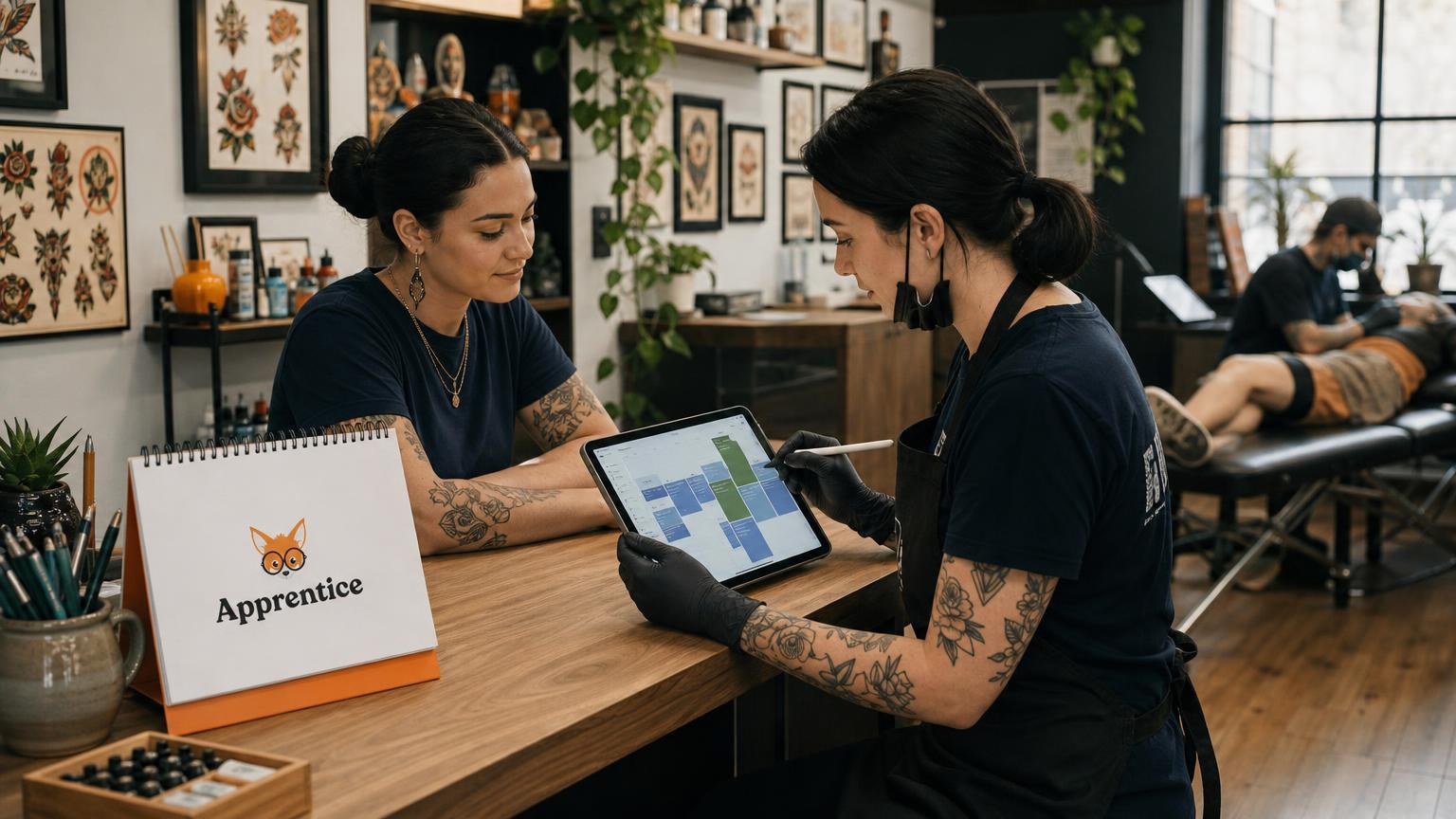
Platforms like Apprentice provide multi-artist calendars that show everyone's schedule in one view. You see conflicts before they happen. Buffer time gets built in automatically. Artists can manage their own availability without creating gaps in communication.
The investment pays off quickly. Fewer double bookings mean fewer lost appointments. Automated reminders cut no-show rates significantly. Your front desk spends less time on the phone confirming details. Artists arrive knowing exactly what's on their plate.
When evaluating software, look for these specific capabilities:
- Multi-artist calendar view for shop-wide visibility
- Secure booking links that let clients book within your rules
- Expiring booking links to prevent surprise appointments
- Walk-in and waitlist management separate from scheduled appointments
- SMS notifications for clients on the waitlist
The best systems integrate scheduling with other shop functions. Client profiles, consent forms, deposit collection, and aftercare instructions all connect to appointments. This creates a unified workflow where nothing falls through the cracks.
Optimizing Artist Schedules for Productivity and Accuracy
Avoiding double bookings requires more than just good software. You need smart scheduling practices that account for how tattoo work actually happens. A three-hour appointment isn't really three hours when you factor in everything else.
Shared vs individual calendars present a key decision point. Individual calendars give artists autonomy. Shared calendars provide visibility. The best approach combines both”artists manage their own time while the shop sees the complete picture.
Real-time availability matters most during high-traffic periods. Weekends, convention seasons, and flash sales create booking surges. Your system needs to handle multiple simultaneous booking attempts without creating conflicts.
Considering Tattoo Time, Setup Time, and Consultation Time
Smart scheduling accounts for the full appointment lifecycle. Here's what most shops underestimate:
Pre-session time requirements:
- Station setup and sterilization: 15-20 minutes
- Stencil preparation and placement: 10-30 minutes
- Client consultation and design review: 15-45 minutes
- Consent forms and payment processing: 10-15 minutes
Post-session time requirements:
- Bandaging and aftercare instructions: 10-15 minutes
- Station breakdown and cleaning: 15-20 minutes
- Photo documentation: 5-10 minutes
- Client checkout and rebooking: 5-10 minutes
A "four-hour tattoo" actually consumes five to six hours of an artist's day. If you're booking back-to-back based on needle time alone, you're guaranteeing delays and conflicts.
Build buffer time into your scheduling rules. Most successful shops add 30-45 minutes between appointments automatically. This cushion absorbs the inevitable variations in how sessions actually unfold.
Consultation appointments deserve special attention. Many shops schedule these too casually. A consultation that runs long can push back an entire afternoon. Consider dedicated consultation blocks separate from tattooing time.
For handling walk-ins, maintain real-time visibility into which artists have genuine availability. A digital waitlist system lets walk-ins add themselves while you manage the flow. Apprentice's waitlist feature sends SMS notifications to waiting clients automatically, so you're not babysitting the process.
Track your actual appointment durations over time. You'll spot patterns”certain styles take longer, certain artists work faster. Use this data to refine your scheduling rules. Generic time estimates create generic problems.
Training and Communication for Scheduling Success
The best systems fail without proper training and team buy-in. Your scheduling solution is only as strong as the people using it. Everyone needs to understand not just how to use the tools, but why the protocols exist.
Start with clear policies documented in writing. Your scheduling rules should cover:
- Who can create appointments and through what channels
- Required buffer times between different appointment types
- Walk-in procedures and waitlist management
- Time-off request process and advance notice requirements
- Emergency rescheduling protocols for artist illness or client no-shows
- Deposit and cancellation policies tied to bookings
Train every team member on these policies. New hires should shadow experienced staff before touching the schedule. Create a quick-reference guide that lives at the front desk.
Communication between artists matters enormously. When someone's running late, everyone needs to know immediately. When an appointment cancels, that slot should become visible to walk-ins within minutes. Real-time updates require real-time communication habits.
Weekly schedule reviews help catch problems before they happen. Look at the upcoming week every Monday. Flag any potential conflicts. Confirm that time-off requests are properly recorded. This proactive approach prevents most scheduling disasters.
Build accountability into your process. When double bookings happen, conduct a brief post-mortem. What went wrong? Where did the system fail? Was it a training issue, a communication gap, or a software limitation? Learn from mistakes instead of just apologizing for them.
Consider designating a scheduling lead. This person owns the master calendar and resolves conflicts. They're the final authority on booking disputes. Having one decision-maker prevents the confusion that comes from multiple people managing the same system.
FAQ
How do I handle walk-ins without disrupting scheduled appointments?
Maintain a separate digital waitlist for walk-ins rather than booking them directly onto artist calendars. Check real-time availability before adding anyone to the waitlist. Use SMS notifications to alert waiting clients when an artist becomes free. This keeps walk-ins organized without risking conflicts with booked sessions.
Should each artist manage their own calendar or use a shared system?
The best approach combines both. Artists should control their own availability”setting working hours, breaks, and time off. The shop needs a unified view showing all artist schedules simultaneously. This balance gives artists autonomy while providing the visibility needed to prevent double bookings.
What’s the ideal buffer time between tattoo appointments?
Most successful shops build in 30-45 minutes between appointments. This accounts for setup, breakdown, and sessions that run slightly long. For larger pieces, consider 60-minute buffers. Track your actual appointment durations over several months to find the right buffer for your specific operation.
How can I reduce no-shows that throw off my entire schedule?
Automated appointment reminders significantly reduce no-show rates. Send reminders 48 hours and 24 hours before appointments. Require deposits at booking to create financial commitment. Implement a clear cancellation policy with consequences for repeat offenders. Platforms like Apprentice handle reminder automation so you don't have to manage it manually.
Conclusion
To wrap up, scheduling multiple tattoo artists without double bookings comes down to three things: visibility, systems, and discipline. Everyone needs to see the same information in real time. Your tools need to catch conflicts before they happen. Your team needs to follow consistent protocols every single day.
The best way to schedule multiple tattoo artists combines shared calendars with individual availability management, automated conflict detection, proper buffer times, and dedicated walk-in handling. Real-time availability across your entire operation eliminates the gaps where double bookings hide.
Start by auditing your current process. Identify where bookings slip through the cracks. Then build systems”whether manual protocols or dedicated software”that close those gaps permanently. Your clients deserve better than scheduling chaos. Your artists deserve better than stressful conflicts. You deserve a shop that runs smoothly.
Jason Howie
Founder & CEO
Jason Howie is the founder of Apprentice, passionate about empowering tattoo artists and shops with better tools to manage their business and serve their clients.